Start recording,
then stop.
That is the whole job.
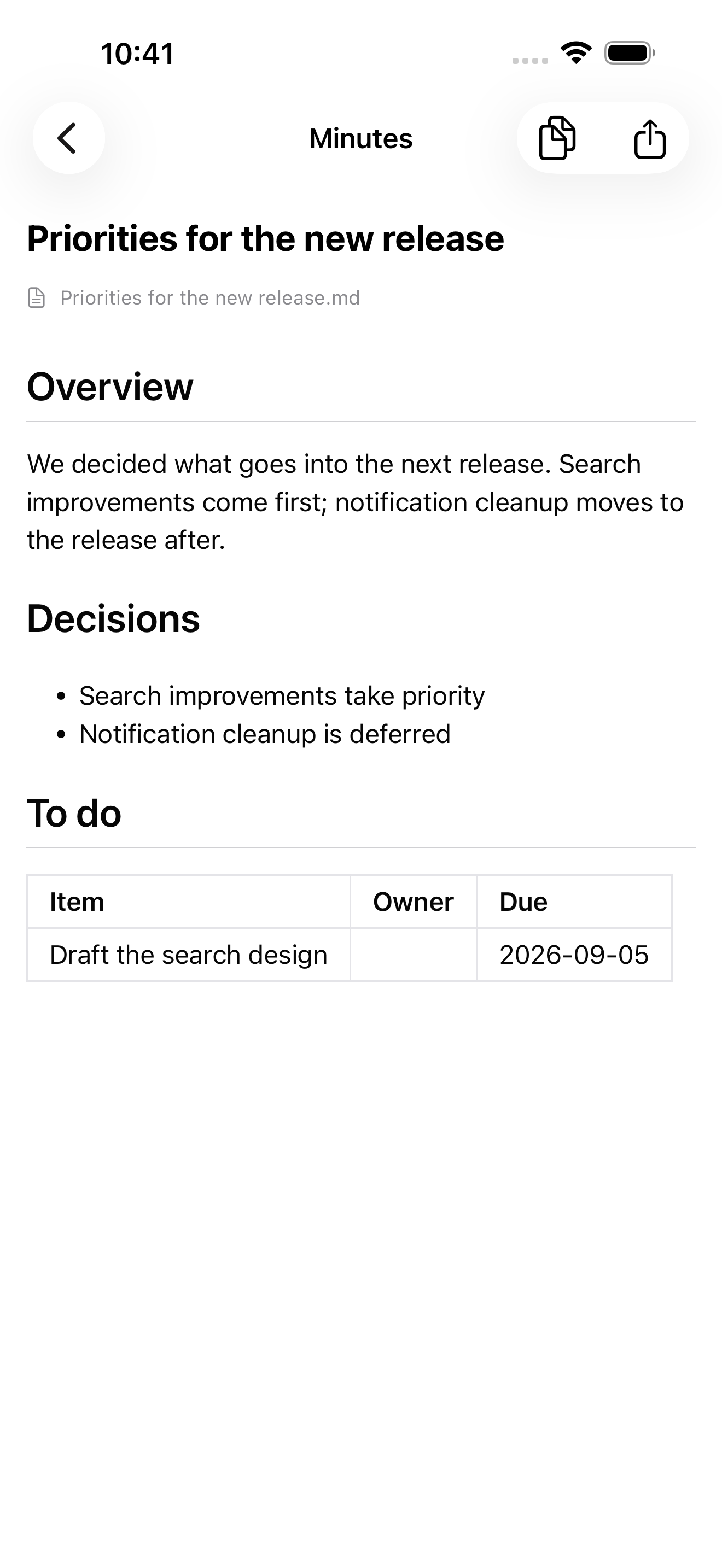
Once you press stop, there is nothing left for you to do. Transcription, the write-up, the file name and the destination are all handled, and the next time you open Obsidian there is a new note waiting.

Writing minutes is not the hard part.
The round trip is.
You record in one app, upload the audio to another service, tidy up the text it returns, copy it, paste it into your notes app, invent a file name and move it to the right folder. That is 15–30 minutes per recording, which is why it usually becomes "later" and never gets done.
No uploading, no copy-paste, no thinking up a file name. Processing starts the moment you stop, and the result lands in your Vault.
Your meeting records are not locked inside someone else's SaaS. The original is a Markdown file in your own Vault — searchable, and something you can link to.
Nobody re-reads text that has merely been shortened. You get material to think with: decisions and to-dos, or counterarguments and analogies.
What happens after you stop
Everything from here is automatic. If your connection is poor it waits and continues once it recovers; if you kill the app it resumes on the next launch.
iOS 26's SpeechAnalyzer does the work on the device. The audio never leaves it, and it works in airplane mode.
Stop an accidental recording before it costs you anything. If you do nothing, it simply continues.
The output follows the document type set on the project. Names, figures and deadlines that are not in the transcript are not invented.
Markdown is written into your Vault on iCloud Drive. No Obsidian plugin required.
Your project has already made the decisions
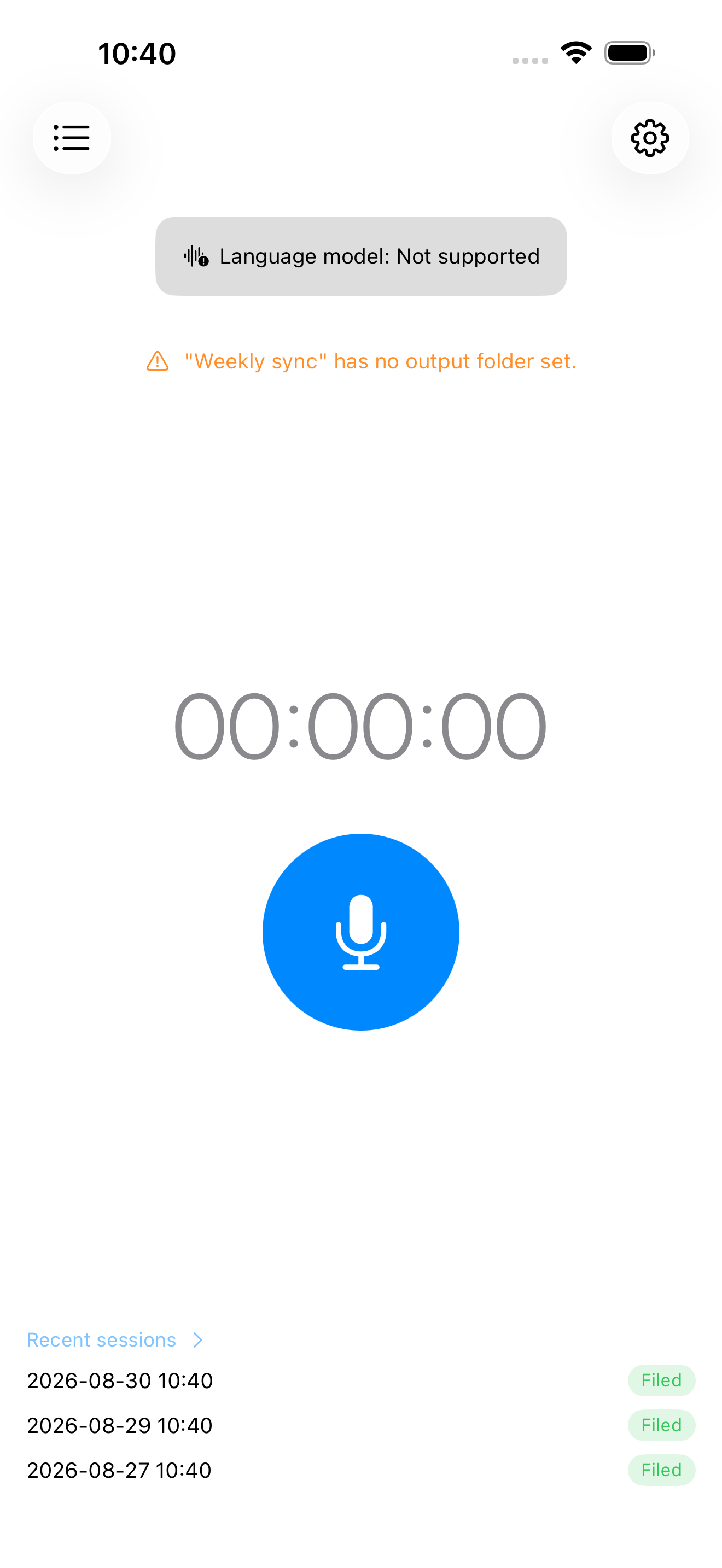
Destination folder, file-name template, document type, recurring schedule and retention all live on the project. Start recording at 10:00 on a Tuesday and it knows this is the weekly sync.
A note you can keep without touching it
Filler is removed, decisions and to-dos are structured, and Obsidian front matter and hierarchical tags are attached. Owners and deadlines that were never mentioned are left blank.
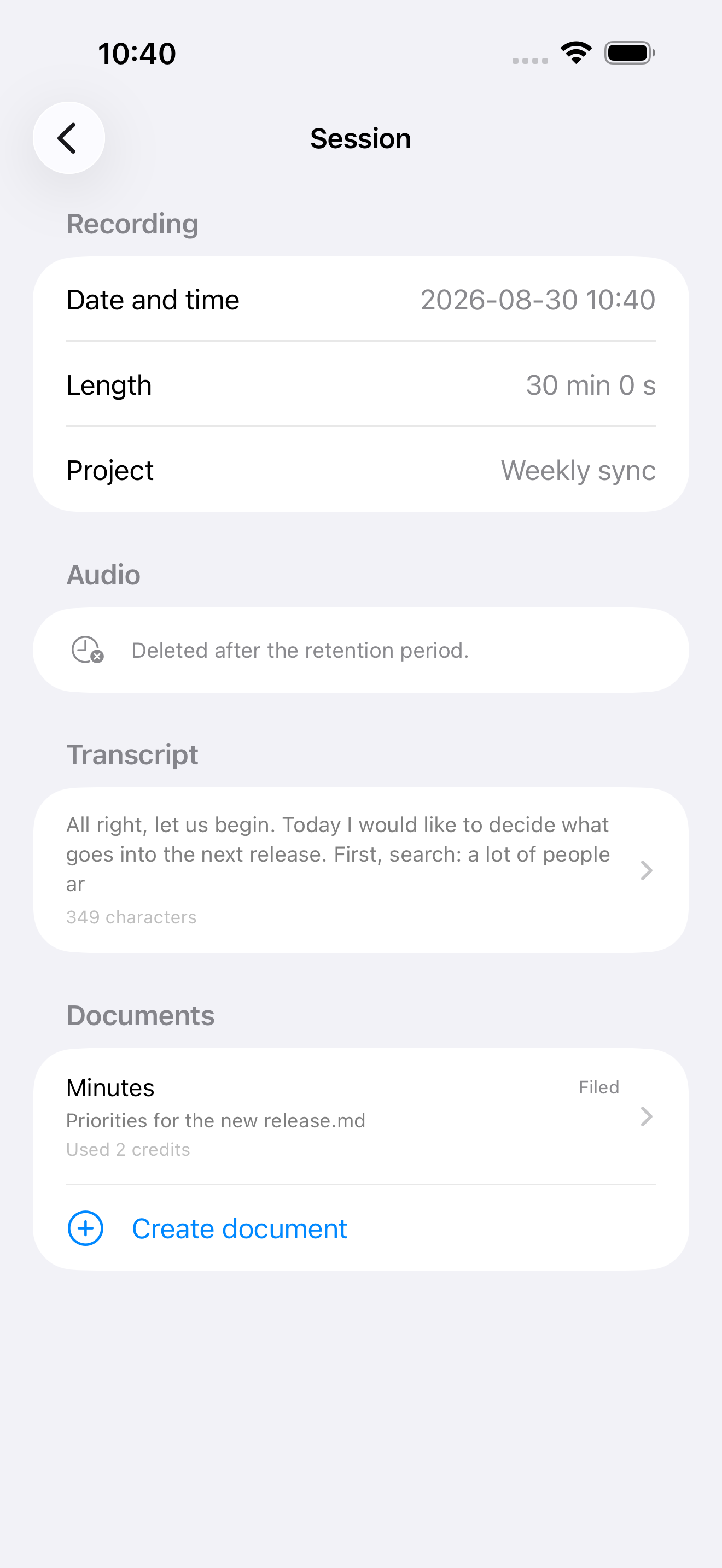
Auto-linking names and terms fills your graph with unresolved links. We cannot guess whether you keep a person as "Yamada Taro" or "山田太郎". Instead we classify with hierarchical tags, and you add links when you actually need them.
Meetings, sales calls, seminars
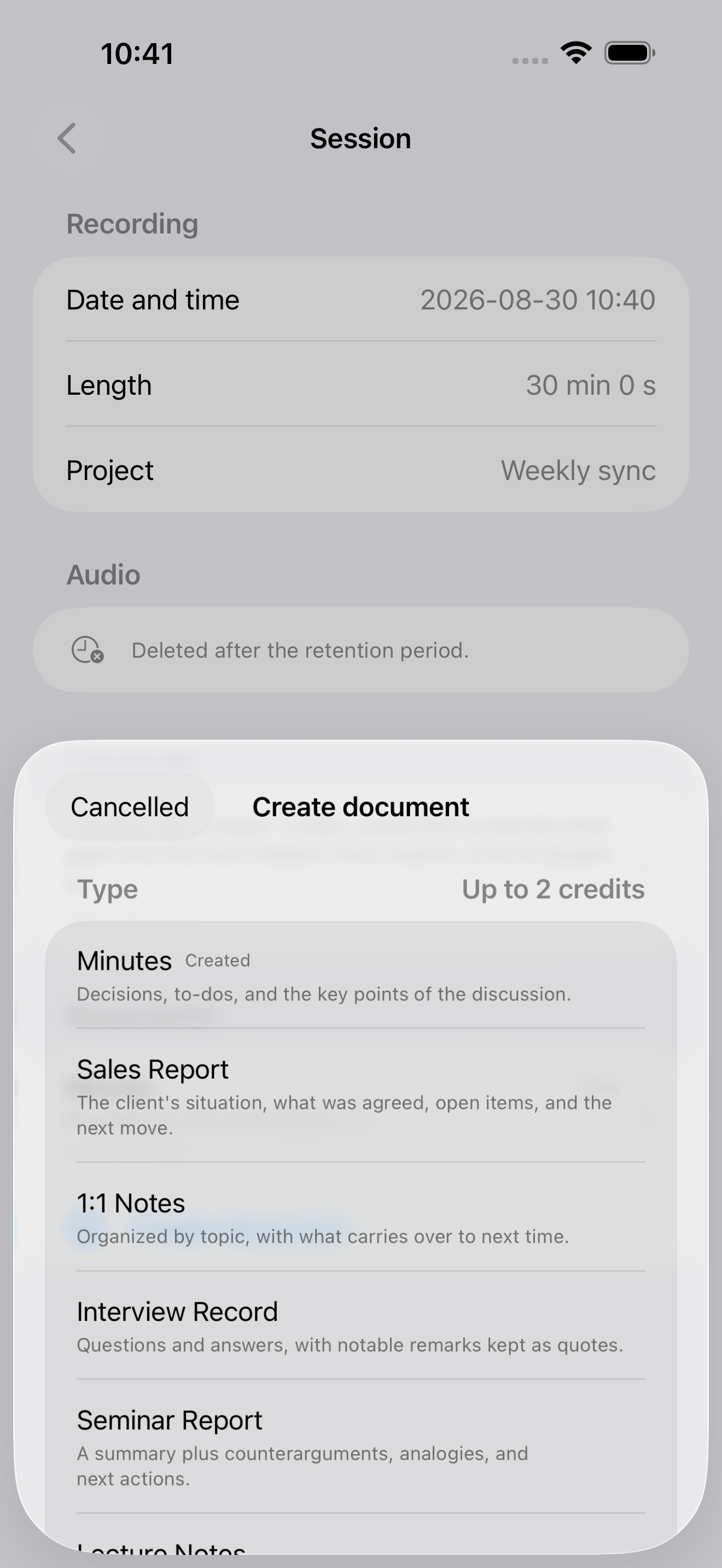
Set the type per project. You can also rebuild a different type from the same transcript and keep both in your Vault.
Right after a talk you are convinced. Summarise it as-is and the note only retraces that conviction. So we ask for counterarguments to the claims, and analogies that recast the idea in familiar terms — including where those analogies break down.
There is no path for audio to leave
Transcription finishes on the device. Only the transcript text goes to the cloud, and it is deleted automatically regardless of your settings. You can hand the audio to the share sheet yourself, but where it goes is your decision.
Write-ups use the Anthropic API and nothing else. Data sent through that API is not used to retrain models or for quality-improvement training. That is the default, so there is no opt-out setting for you to hunt down.
The provider keeps logs temporarily to monitor for abuse, then deletes them (30 days, standard). That is a separate matter from training.
We plan to let you choose ZDR, under which the provider keeps no logs at all.The per-credit price doubles— but it is there for people who want the 30-day retention gone entirely. The default stays as it is today (no training, 30 days standard).
Retention on our own cloud is a fixed value you cannot change. Whatever the state of the app or your device, data is deleted on or after the day following its creation.
A month you don't use it costs nothing
There is no subscription. Credits are spent only when a document is produced — about 2 credits for a 30-minute meeting.
Apple sets the displayed price (it varies by exchange rate and region). The app shows Apple's figure as-is.
You are never charged more than that number. "More than I expected" cannot happen; only "less than I expected" can.
If a document could not be produced for reasons on our side, the credits are returned and the app says so on screen.
They finish on the device, so no sign-in is needed. With an empty balance, the only thing you lose is the write-up.
Inside the app
Frequently asked questions
For anything not covered here, use the form on the support page.
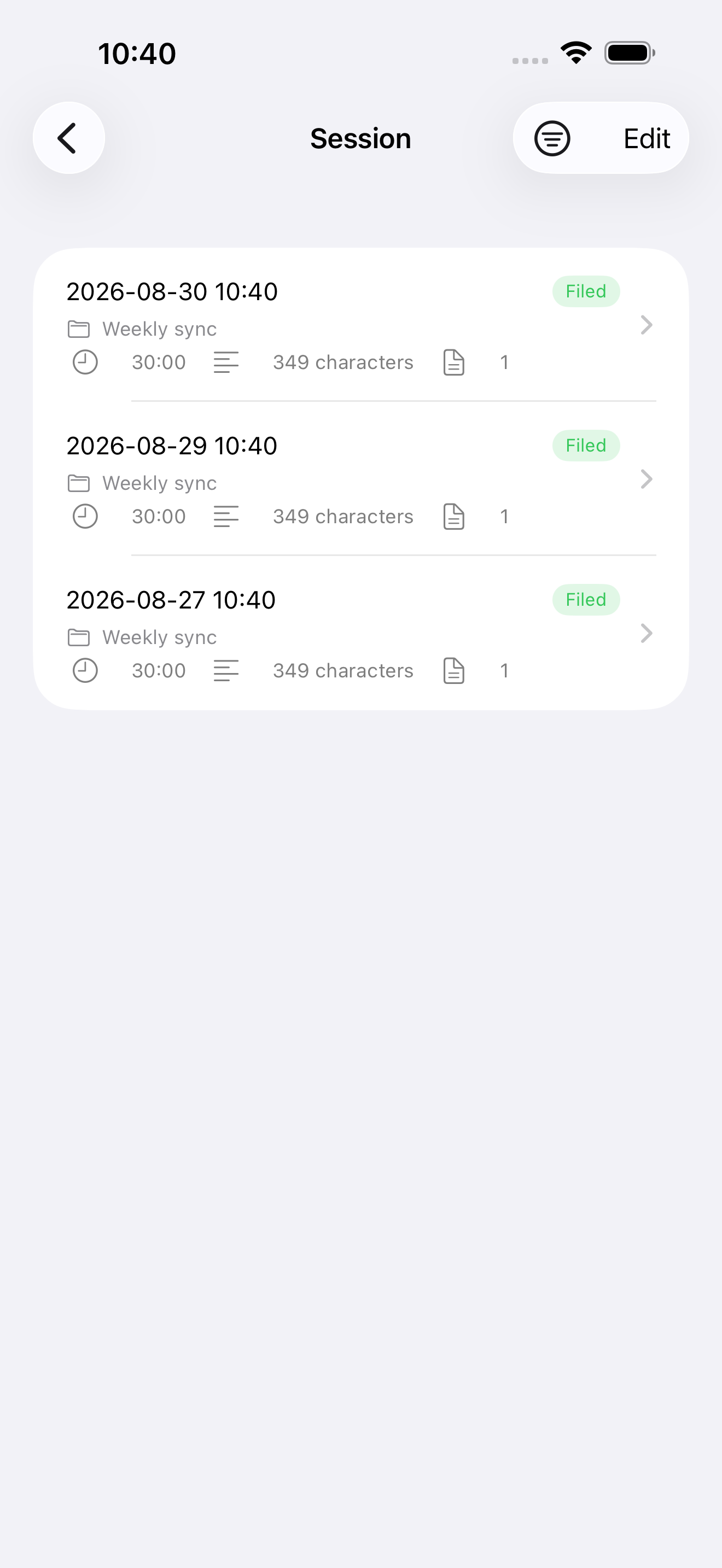
No. The app has no path for sending audio. Only the transcribed text goes to the cloud. You can, however, hand the .m4a to the share sheet yourself from the session detail screen.
An iPhone running iOS 26 or later. Transcription uses iOS 26's SpeechAnalyzer, so older versions will not work.
If you only want Markdown files somewhere, Obsidian is not required — any folder you can pick in the iOS file chooser (iCloud Drive, for example) will do. If you want an Obsidian Vault as the destination, we assume a Vault on iCloud Drive so your Mac and iPad can see it too (Obsidian Sync-only and local-only Vaults are not supported at present).
Speed is not what we are selling. A few minutes to fifteen or so after you stop is typical. We use cheaper batch processing, but if a batch drags on we abandon it and switch to normal processing, so around 20 minutes should be the ceiling. If you recorded somewhere with a poor connection, processing continues once it recovers. You get a notification when it is done.
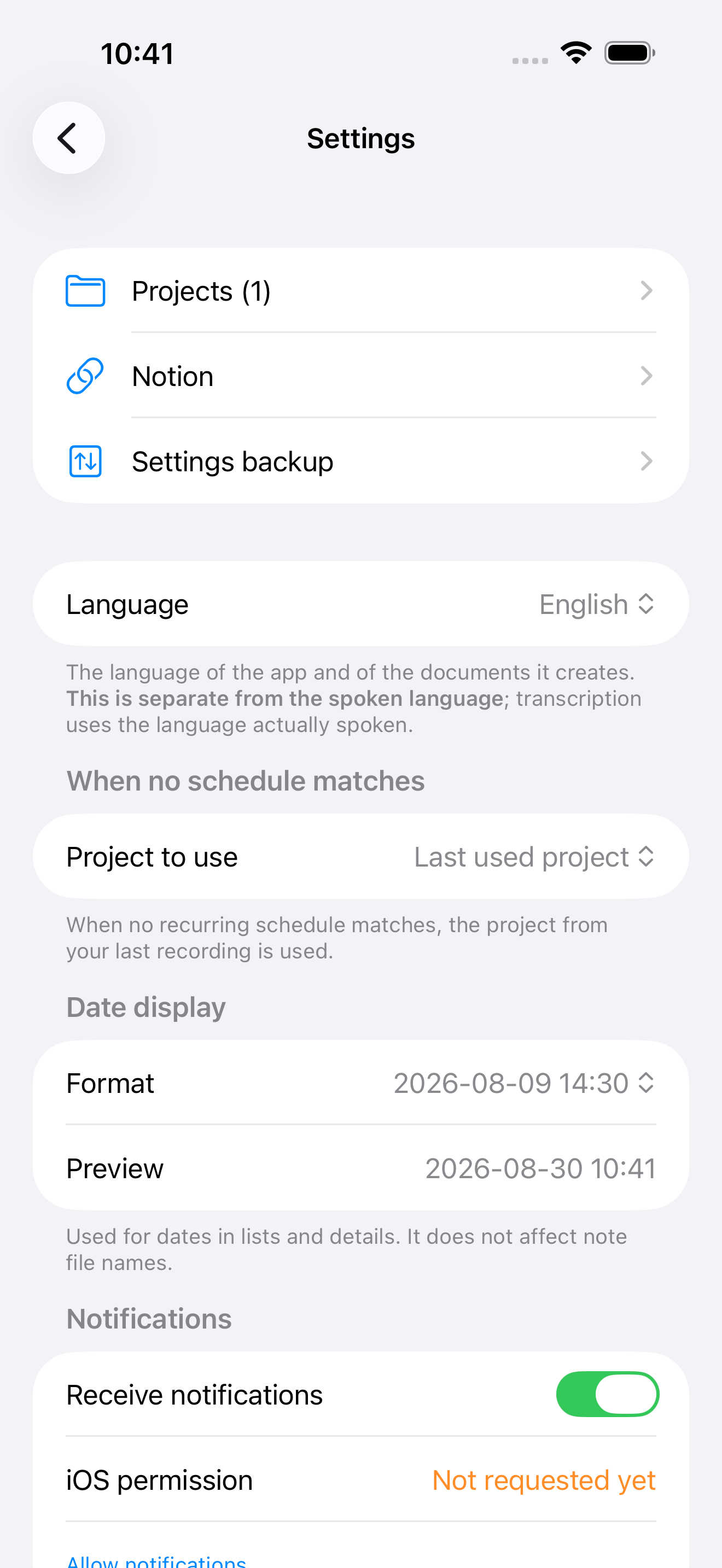
Yes, and the other way round. The language spoken and the language of the output are held separately. Output can be Japanese, English or Spanish, and you can change the spoken language for each recording. The defaults carry over, so if you speak and write in the same language you never touch either setting.
You can enable it per project. The Vault remains the original, though; Notion is an additional destination. If the Notion step fails, the file in your Vault stays filed and you can retry only the Notion side. Your token is stored solely in the device Keychain and never reaches our servers.
You can export your settings to a single file and import it on the new device. The output folder has to be picked again, and connection details are deliberately left out (an exported file can end up in email or AirDrop). Your credit balance is tied to your Apple account, so it survives the move.
The lawfulness of a recording is your responsibility. Whether consent is required varies by situation and region, so the app shows a single notice the first time and adds no steps to starting a recording.
By the time you have forgotten
you pressed stop, the note has arrived.
10 credits for first-time sign-ins, until 31 October 2026. That is about five documents without buying anything.
Get it on the App Store